htb
HTB Write-up | Cache
Write-up for Cache, a retired HTB machine.
htb
Write-up for Cache, a retired HTB machine.
htb
Retired machine can be found here. Scanning Scanning with nmap only retrieved an Apache web server running on port 80. ~ nmap -sV -sC -A blunder.htb Starting Nmap 7.80 ( https://nmap.org ) at 2020-06-12 10:13 WEST Nmap scan report for blunder.htb (10.10.10.191) Host is
sstv
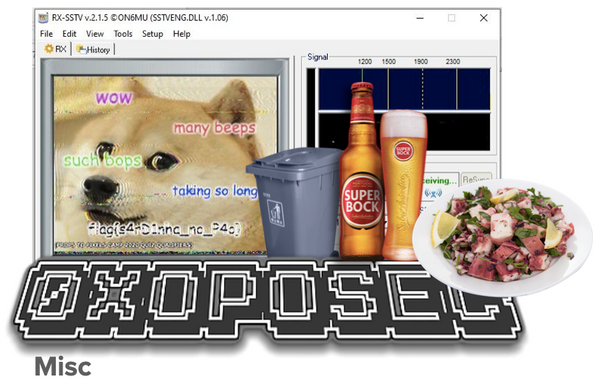
1 . My Paste | 100 Oh no! I forgot where I left my paste. 🗑 Perhaps you can help me find it? The source code has a little hidden clue: <span class="challenge-desc"><br> Oh no! I forgot where I left my paste. 🗑 <p>

tap code
Knock Knock (100) 21 31 11 22 { 32 11 44 15 45 43 42 34 43 15 } If I had known about Tap Code (aka Knock Code) this would have been straightforward. I ended up getting the flag with some "leaps of logic". Basically, by knowing that the

web
Passive-Aggressive Flask (100) I can give you a flag, but you'll have to be nice. Remember to say it LOUD, so I can hear you. https://passiveaggressive.apl3b.com ~ curl https://passiveaggressive.apl3b.com <!DOCTYPE html> <html lang="en"> <head>

Retired machine can be found here. Scanning As always, we start with some basic scanning which discloses only an instance of OpenSSH running on port 22 and an Apache web server running on port 80 - pretty typical stuff. ~ nmap -sV -sC -A magic.htb Starting Nmap 7.80 ( https:
htb
Retired machine can be found here. Scanning The scanning gives us very little: an instance of OpenSSH running on port 22 and an Apache server running on port 80 with the title "Help us". ~ nmap -sV -sC -A traceback.htb Starting Nmap 7.80 ( https://nmap.org ) at

Banner source: https://www.newyorker.com/culture/onward-and-upward-in-the-garden/the-lost-art-of-stealing-fruit It's very common that I'm working with a reverse shell and can't use scp to upload or download files, which leads me to Googling this netcat syntax. Well, no more! On the remote shell: ~ nc

web-assembly
Banner source: https://medium.com/trainingcenter/webassembly-a-jornada-o-que-%C3%A9-wasm-75e3f0f03124 I'm been trying to get into Web Assembly for a while, so when I found this CTF write-up by Chiam YJ I decided to give it a try. The original Challenge <!DOCTYPE html> <html> <

android
The APK for the original challenge can be downloaded here. The author's write-up can be downloaded here. We're given an Android Package (xmas_ctfzadas.apk) along with the following instructions: Baby pwn tu-tu-tu-tu! - Get the first two flags ({oposec}XPTO) locally; - For the brave
windows
The retired machine can be found here. Official write-up can be downloaded here. I started with some basic scanning with nmap that found that most likely this machine was a Domain Controller, since it had all the required ports open. $ nmap -sC -sV 10.10.10.169 -Pn 53/tcp

steg
Write-up for ØxOPOSɆC steganography challenge that involves the analysis of a volatile memory dump.